

Kaiwu · AIGC Creation Platform
An AIGC creation platform for universities and vocational schools: image, video, drama, design, and infinite canvas; campus-managed classes, quotas, projects, assets, content review, and operation logs—available for on-premises deployment. AI supports intent guidance, template generation, and review assistance.
Product value
Core capabilities

- Understands the task in conversation and routes users to the right creation entry
- Routes to canvas, drama, image/video, or design workflows
- Key actions and generated results keep confirmation points and traceability

- Scene recipes and presets for people, products, posters, and other common tasks
- Results can be refined, compared, and stored without repeated downloads
- Model capabilities come through Tianshu and are enabled per school in the console
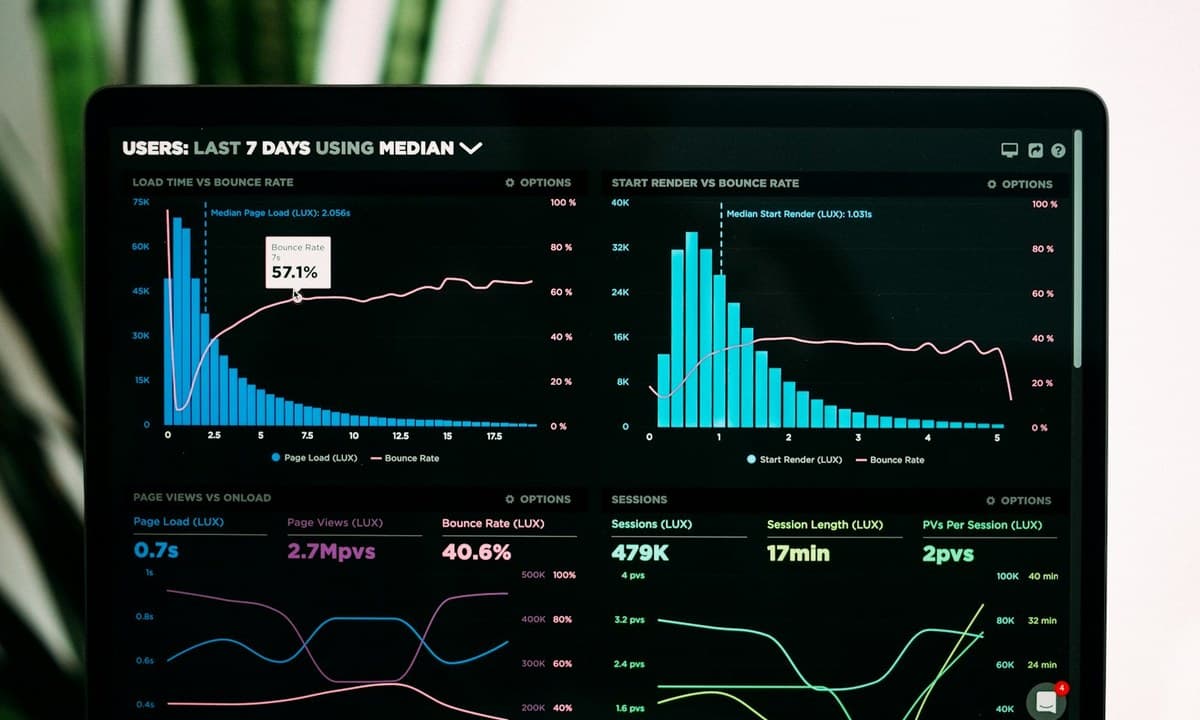
- Multi-step preset workflows with step-by-step confirmation for posters, detail pages, and visual assets
- Templates and parameters are reusable to cut repeated setup
- Outputs flow into projects and the asset library for teaching or communications
- Node-based creation and asset arrangement from idea to final output
- Canvas state persists so projects can continue and be reviewed
- The drama pipeline is accepted separately from conversation orchestration.

- Episodes, storyboards, character consistency, and batch image/video generation in one flow
- Review nodes and human confirmation, with batch task visibility and exception handling
- Organized around finished works: episodes, storyboards, and batch generation.

- Campus → school → major → year → class, with users and quotas attached by class
- Projects, asset library, review, and unpublishing; console shows tasks and call details
- Operation logs and usage records support admin explanation and review
Product traits
Usable by faculty & students | Low entry barrier
Start from the task, not the tool.
Template reuse | No blank page
Presets and workflows cover common creation tasks.
Class quotas | Bounded cost
Allocate by class and see balances and usage.
Campus creation & governance
Create · quota · assets · audit
Asset library | Works persist
Projects, works, and source assets in one place.
Traceable process | Review & audit
Key confirmations, operations, and calls are recorded.
Private deployment | Data on premises
On-premises option with local asset storage.
Who it is for
Adoption path
- 01
Pilot class
Pick one or two classes or clubs; define output goals, usage rules, and acceptance.
- 02
Templates & workflows
Configure image, video, design, or drama templates and set human confirmation and review points.
- 03
Campus quotas & assets
Build the organization and classes, attach users, allocate quotas, and enable asset storage and review.
- 04
Operations & review
Track activity, consumption, and output; iterate templates, training, and usage rules each term.
Technical notes
Three components
Web creation client, campus console, and a single API/worker; one deployment serves one institution, with multi-campus under one legal entity.
Model access
Calls go through Tianshu with a developer token; Kaiwu does not store raw vendor keys. Models are enabled in the console.
Organization & quotas
Campus → school → major → year → class; users and quotas are attached by class, and teachers can review classes, projects, and usage.
Storage & audit
Local asset volumes by default; projects, tasks, assets, and operation logs are visible, with review, unpublishing, and export.
Frequently asked questions
How is this different from general AI tools?
Kaiwu is built around campus organization and finished work: classes, quotas, asset storage, review, and private deployment. Academic affairs remain in the school's system.
What servers are required?
Assessed by concurrency, models, and storage. Private or on-premises deployment is supported; server, network, and backup details follow the project plan.
Where do models come from?
Models are unified through Tianshu and enabled per school in the console. Kaiwu does not store raw vendor keys.
Where is student data stored?
On-premises deployment is supported, with local asset storage by default. Cross-campus or cloud boundaries are confirmed separately in the project plan.
How do teachers manage classes?
The console creates the organization and classes, attaches users, and allocates quotas; teachers can switch classes and view student projects and usage.
Who owns the works?
Per the agreement between the school and its users. The platform provides accounts, logs, and review capabilities but does not replace the school's copyright and usage policy.
Can it run only on campus?
Private or on-premises deployment is supported; whether to expose the internet and how to configure domains follows the school's network and security policy.
How is usage controlled?
Through class quotas, balances, task queues, and call details; admins adjust when needed and users are not prompted to top up.
AI+ product foundation
Every product shares one AI foundation
This is not a chat box added to traditional software. Models, knowledge, workflows, and human confirmation are built into the system foundation. Each product applies AI to its own domain, with shared access, governance, and audit.
Four layers
Models & compute
Tianshu provides unified multi-model access, task routing, quotas, and call logs; business systems never hold vendor keys directly.
Knowledge & data
Business data, documents, rules, and metrics enter a searchable, citable knowledge layer.
AI workflows
Generation, judgment, recommendations, and write-backs are orchestrated into business processes, with human gates at key steps.
Evaluation & audit
Prompts, models, outputs, confirmations, and business outcomes are retained for replay, evaluation, and accountability.
AI+ architecture
- Business data
- Knowledge & context
- Models / agents
- Human confirmation
- Business action & write-back
AI capabilities in this product
Intent guidance
Use conversation to route creation tasks to image, video, drama, design, or canvas.
Template generation
Generate scene recipes, prompts, and workflow drafts from topics and assets.
Content review assistance
Flag sensitive terms, copyright, and brand issues; publish after human review.
Operating principles
AI recommends, people decide
Amounts, contracts, publishing, awards, and account adjustments go through human confirmation by default.
Explainable and reversible
Citations, model versions, and execution results are retained, with rollback for exceptions.
Private by default
Models are accessed through Tianshu; data and assets stay in the school or enterprise environment by default.
Related solutions, services, and insights
Related solutions
Related services
Next step
Need a demo, integration assessment, or delivery plan? Our commercial and architecture teams respond on business days.